IDjpg Blog
Hands-on guides for editing and generating images with AI: removing unwanted objects, restoring and colourising old photos, making pictures sharp again, product shots, professional headshots and illustration styles. Each guide walks through the clicks, the things that go wrong, and where the result still falls short.
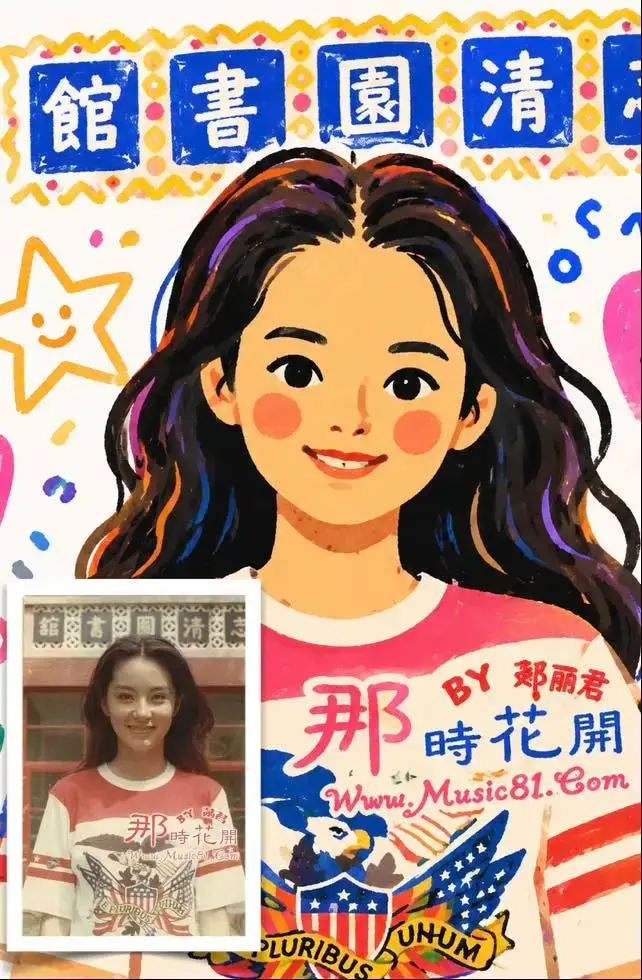 How to Turn a Photo Into a Cartoon Illustration
Turn a photo into a flat folk illustration, a crayon doodle or a sticker sheet: which photos convert well, how to read the result, and what goes wrong.
How to Turn a Photo Into a Cartoon Illustration
Turn a photo into a flat folk illustration, a crayon doodle or a sticker sheet: which photos convert well, how to read the result, and what goes wrong.
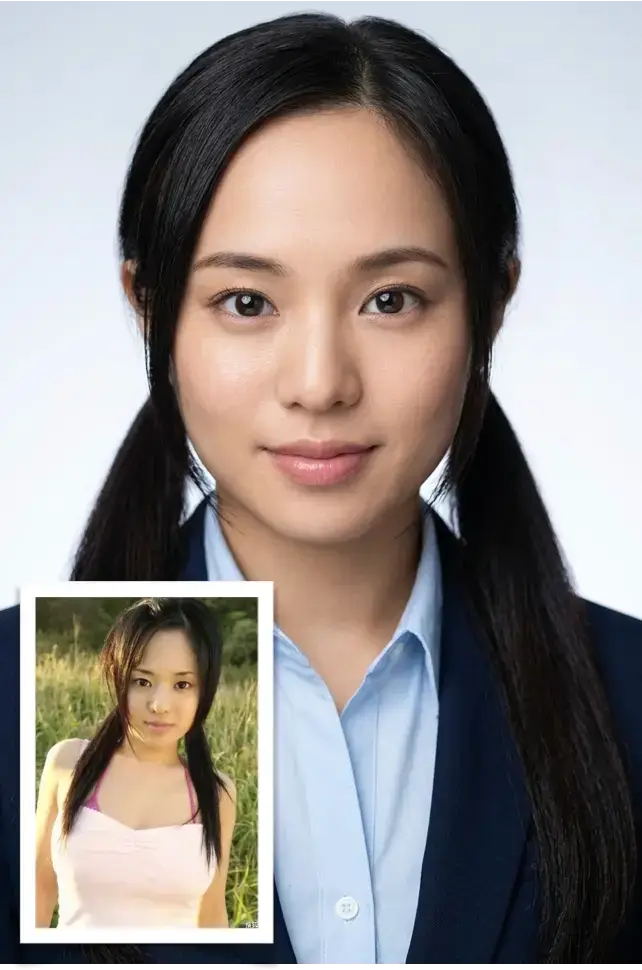 Using a Phone Selfie as a Professional Headshot
How to turn a phone photo into a professional headshot: which source photos work, how to keep your face recognizable, and where the results break down.
Using a Phone Selfie as a Professional Headshot
How to turn a phone photo into a professional headshot: which source photos work, how to keep your face recognizable, and where the results break down.
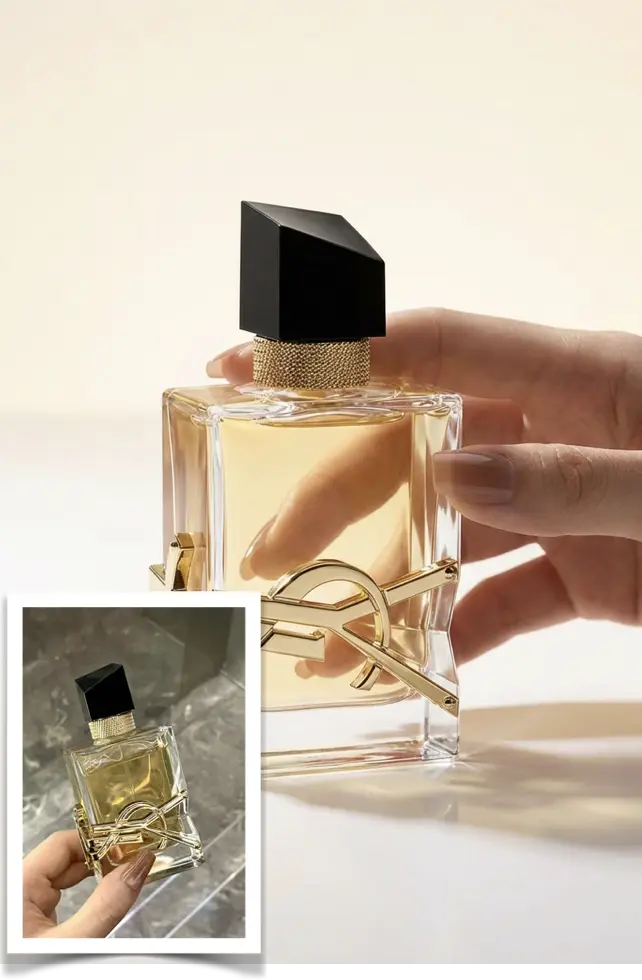 AI Product Photos From Pictures You Already Have
Turn a phone snapshot into a usable product shot: what to upload, how to keep a whole catalogue consistent, what breaks, and how to recover.
AI Product Photos From Pictures You Already Have
Turn a phone snapshot into a usable product shot: what to upload, how to keep a whole catalogue consistent, what breaks, and how to recover.
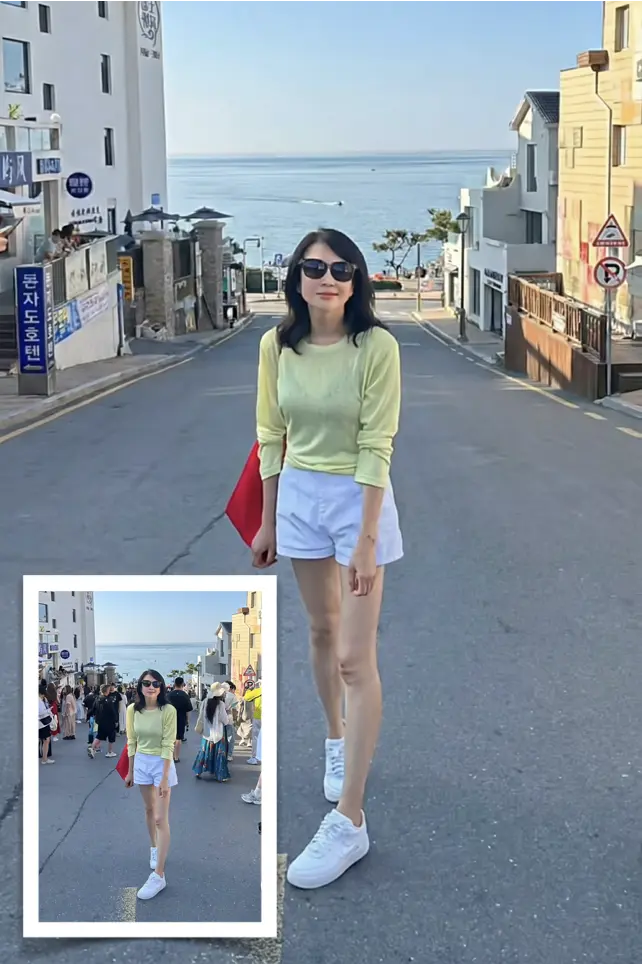 How to Remove an Unwanted Object From a Photo
 — Edit the text prompt to identify what to remove and what must stay.
How to Remove an Unwanted Object From a Photo
How to Remove an Unwanted Object From a Photo — Edit the text prompt to identify what to remove and what must stay.
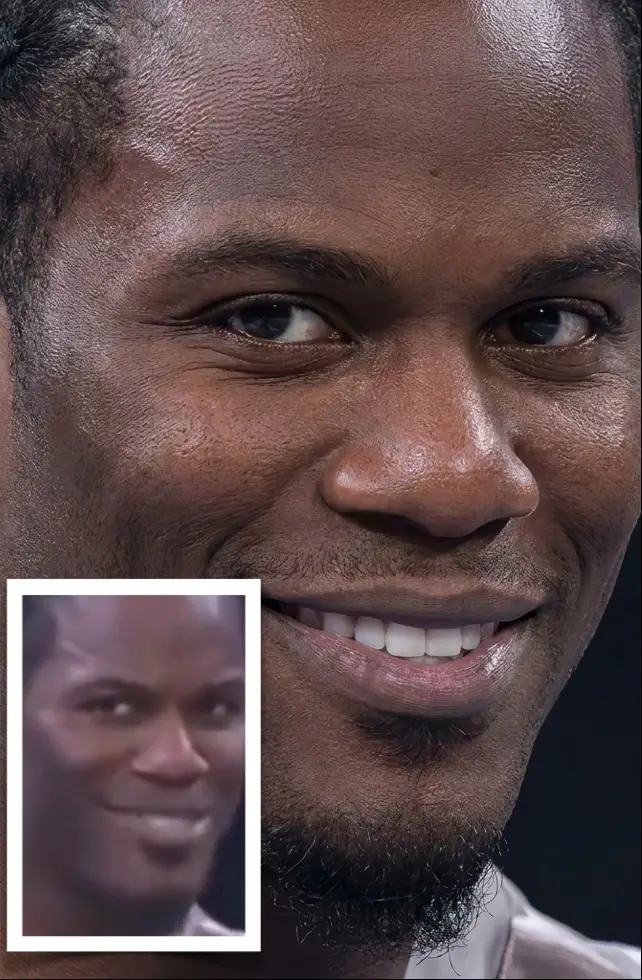 How to Upscale a Photo to 2K or 4K Without Fake Detail
 — Select 4K in Resolution manually; the initial choice is 1K, not a 2× or 4× multiplier.
How to Upscale a Photo to 2K or 4K Without Fake Detail
How to Upscale a Photo to 2K or 4K Without Fake Detail — Select 4K in Resolution manually; the initial choice is 1K, not a 2× or 4× multiplier.
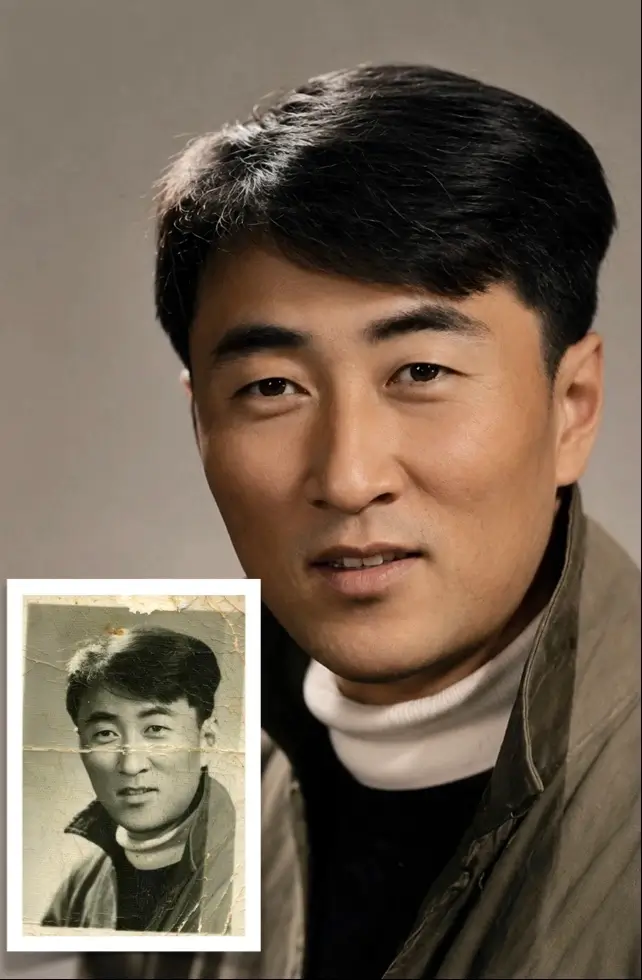 How to Restore Old Photos: Scanning, Color, Detail
A working guide to restoring family photos: scan or reshoot them cleanly, keep the face recognizable, and know which damage no tool can bring back.
How to Restore Old Photos: Scanning, Color, Detail
A working guide to restoring family photos: scan or reshoot them cleanly, keep the face recognizable, and know which damage no tool can bring back.